How to Fix Lovable App Not Working on Jio Internet (Supabase DNS Issue)
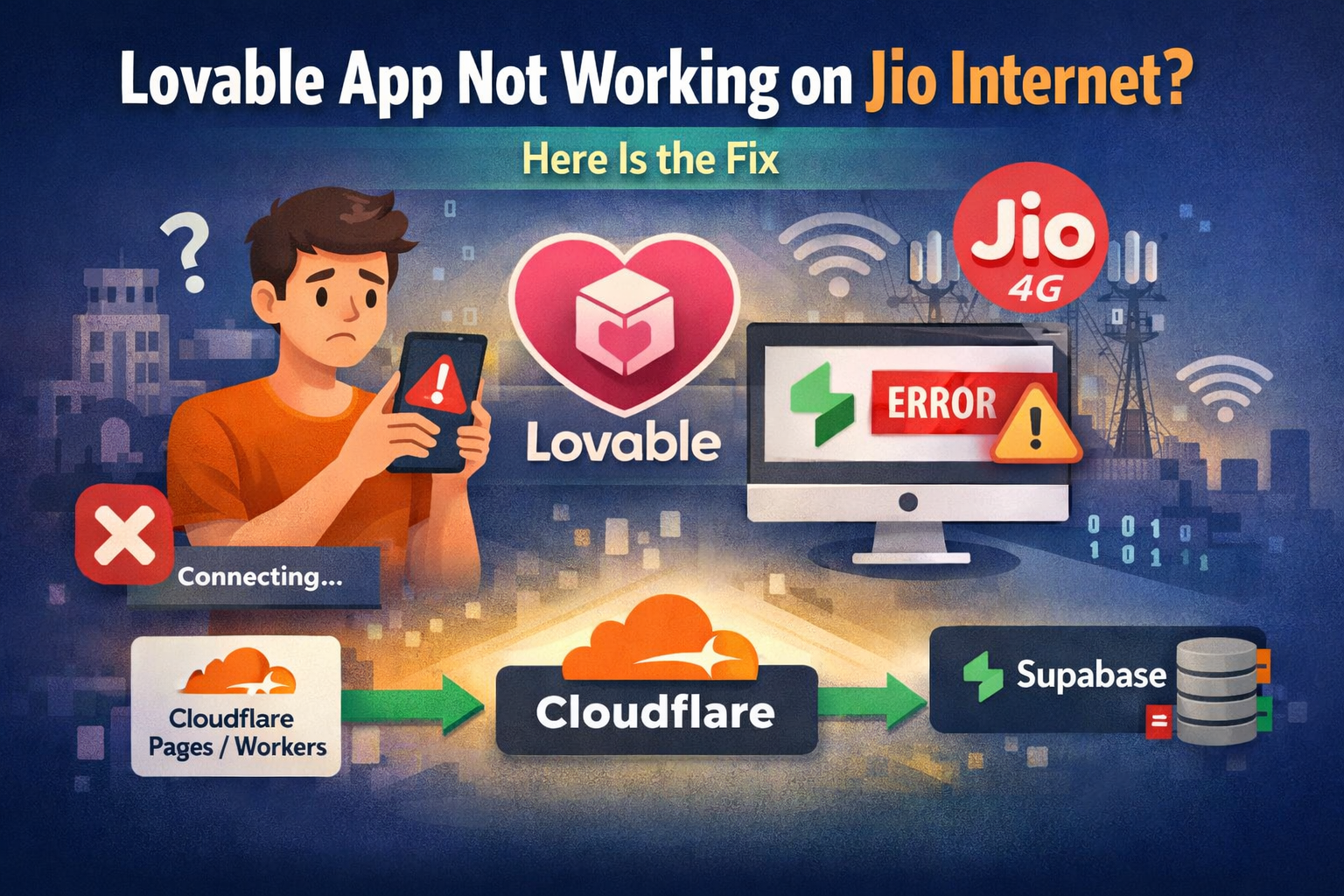
If your Lovable app not working on Jio internet issue appeared suddenly, the root cause is likely backend connectivity to Supabase.
Apps built with Lovable depend heavily on Supabase for:
- Authentication
- Database
- Storage
- Realtime
- Edge functions
What is the Supabase Jio issue?
On some Jio networks in India, access to *.supabase.co fails. When your frontend calls Supabase directly, the request never reaches the backend.
What users see:
- Login failing
- Dashboards not loading
- API calls timing out
- Edge functions not responding
Your code is fine. Supabase is up globally. The network path from Jio to supabase.co is the problem.
The Practical Fix
Route Supabase traffic through Cloudflare. Architecture: User → Cloudflare endpoint → Supabase. Users connect to Cloudflare. Cloudflare connects to Supabase from outside the restricted network. The browser never directly hits supabase.co. This restores access for affected users.
Step 1: Create a Cloudflare Worker
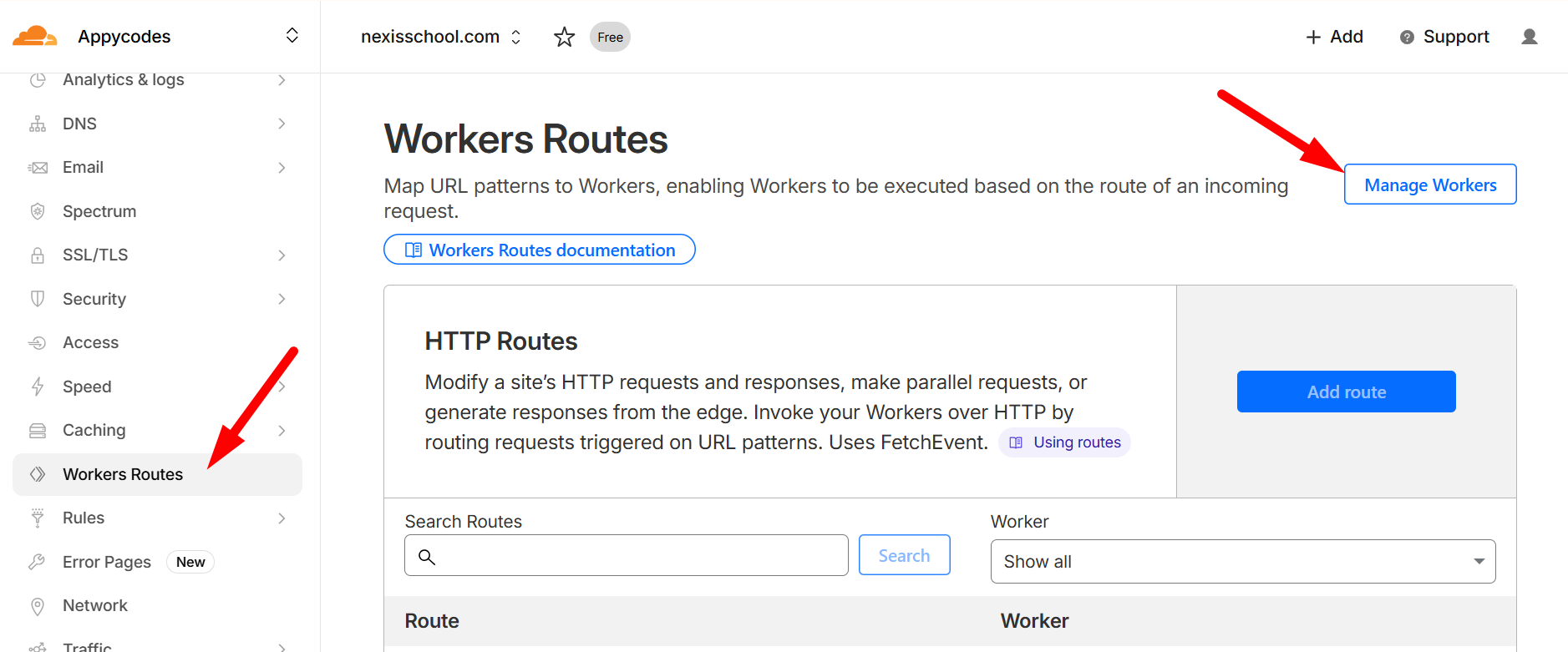
Use a simple proxy:
export default {
  async fetch(request) {
    const url = new URL(request.url)
    const target = `https://yourproject.supabase.co${url.pathname}${url.search}`

    const newRequest = new Request(target, {
      method: request.method,
      headers: request.headers,
      body: request.body
    })

    return fetch(newRequest)
  }
}
Deploy it. Cloudflare will give you a Workers or Pages URL automatically. You can also attach your own domain if preferred.
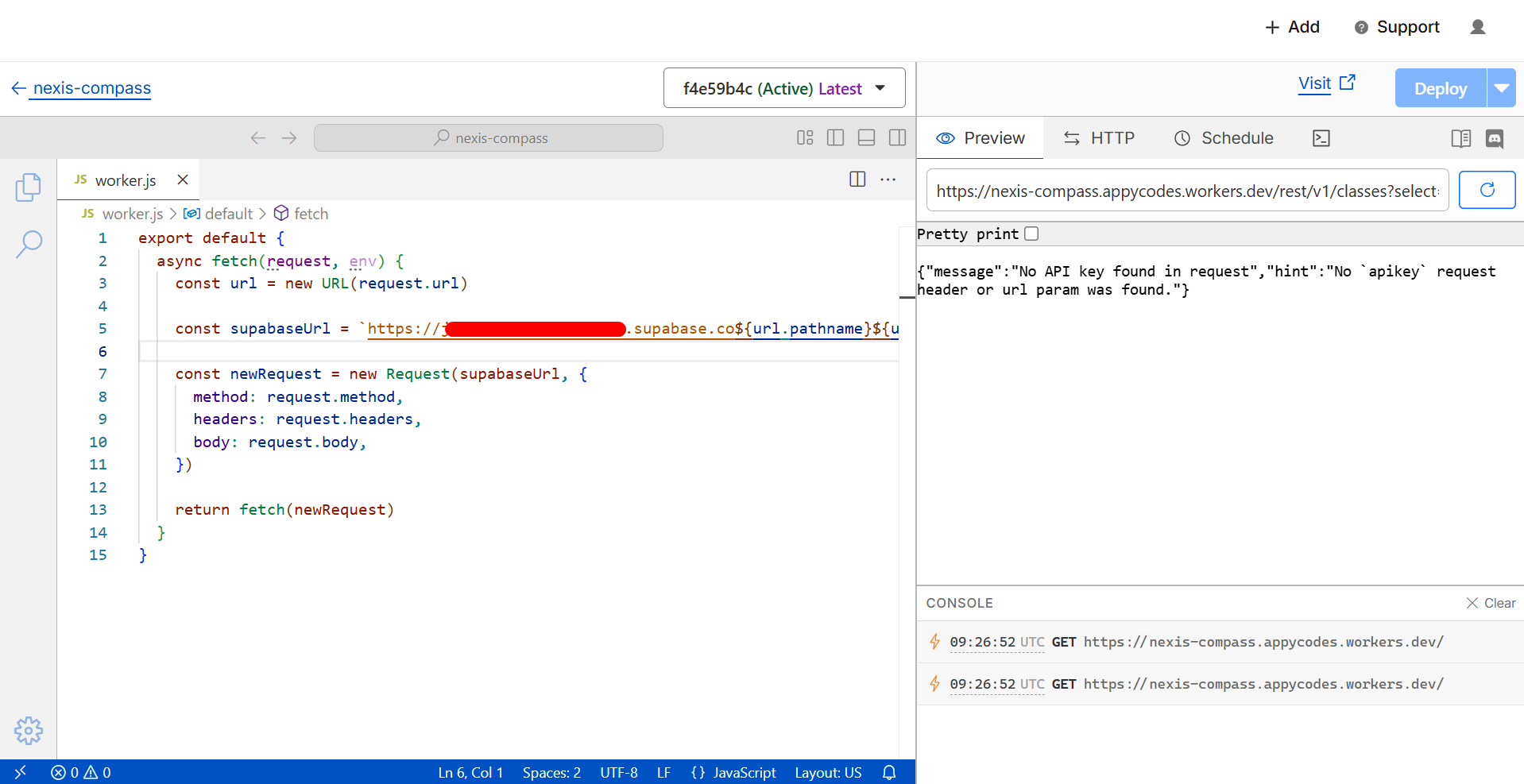
Step 2: Update Your Lovable App
Change the Supabase base URL in your environment variables to your Cloudflare endpoint. Click the cloud icon in your Lovable project and search for the .env file.
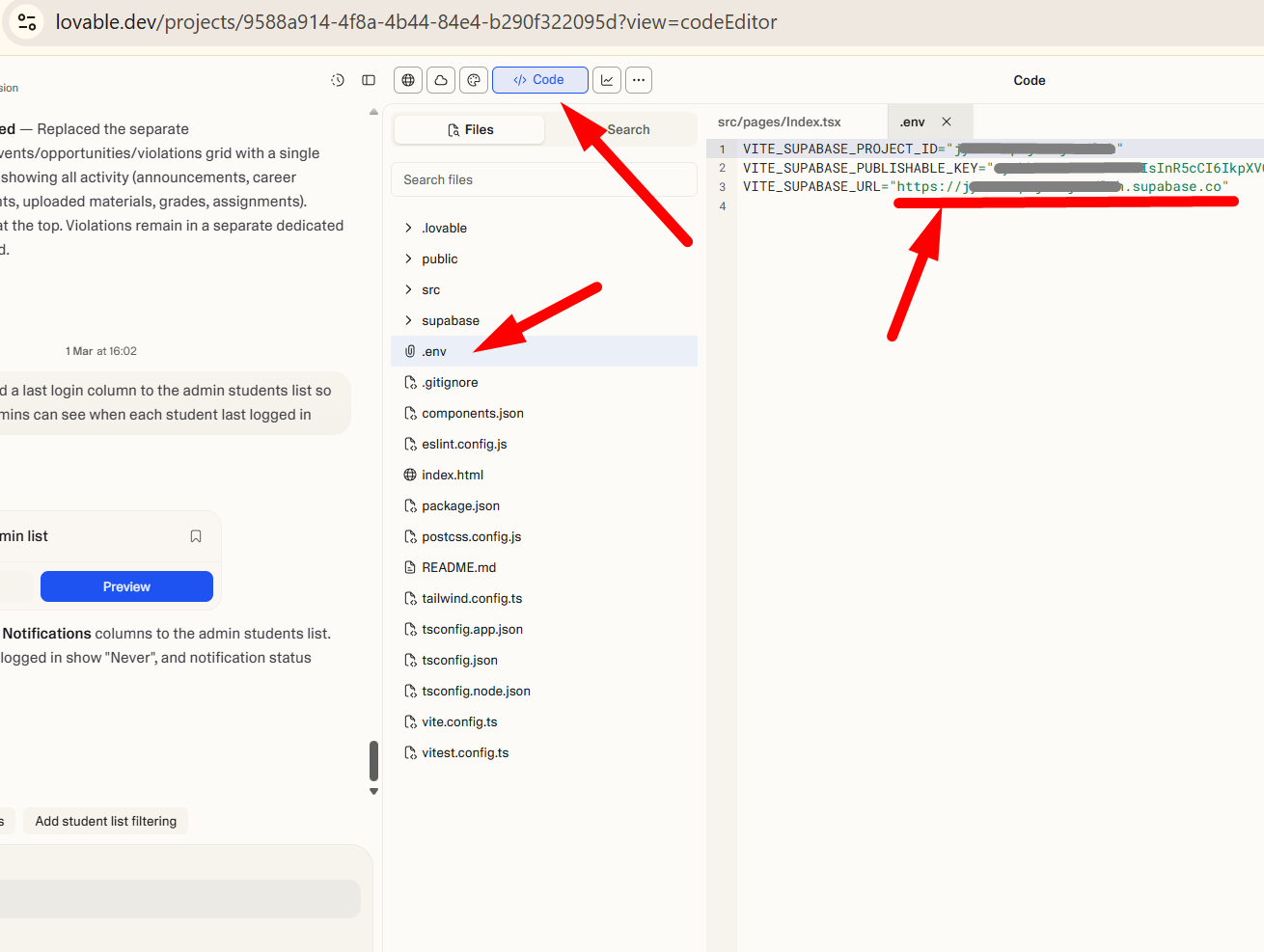
Keep all paths the same. Test from a Jio connection. The app should work.
What This Fix Covers
This approach works for:
- Auth
- REST APIs
- Edge functions
- Storage
Realtime connections may need additional configuration depending on your setup.
Why This Is Smart Architecture Anyway
Putting a gateway layer in front of vendor services gives:
- Control over traffic
- Logging and rate limiting
- Reduced vendor exposure in frontend code
- Protection from ISP level disruptions