Jio Supabase Issue — Why Your App Fails on Jio & How to Fix It
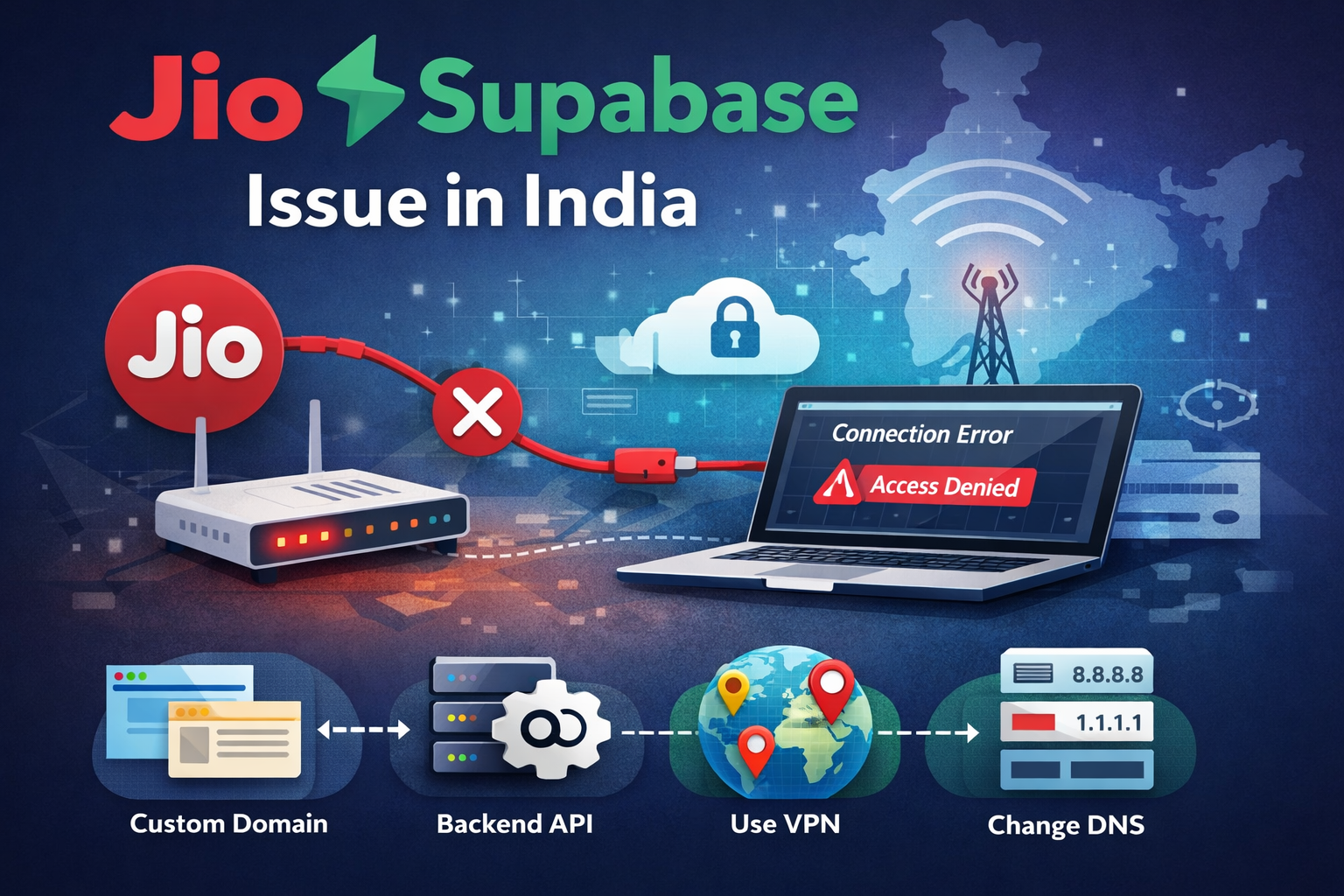
The Jio Supabase issue has started affecting developers across India. Apps that rely on Supabase work smoothly on Airtel, office broadband, or international networks. The same app fails when accessed on JioFiber or Jio mobile data.
Symptoms you are affected by this:
- Login requests fail.
- Database queries timeout.
- WebSocket connections are not establishing.
Supabase infrastructure is operational. The disruption is happening at the ISP routing or DNS level. If your app depends on Supabase and serves users in India, you need to implement a routing strategy that removes direct reliance on supabase.co from client devices.
What exactly is happening in the Jio Supabase issue
On affected Jio networks, the Supabase project domain such as:
https://your-project.supabase.coeither does not resolve correctly or resolves to an unreachable IP address. When you run:
nslookup your-project.supabase.cothe DNS response may fail or return inconsistent results. In the browser console, you typically see errors like:
Failed to fetch
ERR_CONNECTION_TIMED_OUT
WebSocket connection failed
Switch the same device to Airtel or a VPN and everything works instantly. That confirms the Jio Supabase issue is network level filtering. This means code changes alone will not solve the problem. You must change how traffic reaches Supabase.
Solution 1: Route Supabase Through Your Own Domain via Cloudflare Workers
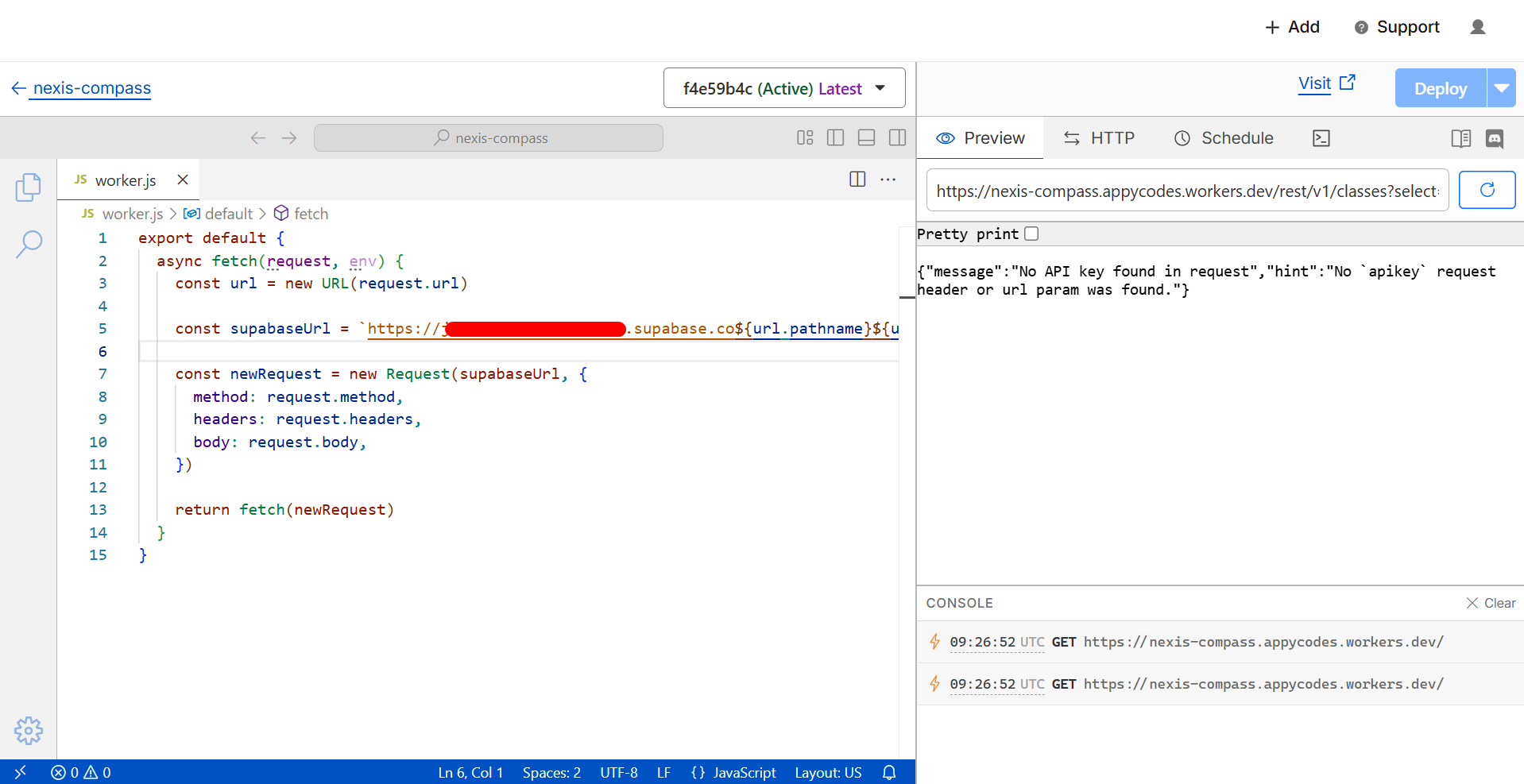
This is the cleanest production grade fix for the Jio Supabase issue. You stop exposing the Supabase project URL directly in your frontend. You create your own subdomain and proxy traffic through Cloudflare.
Create a subdomain such as:
api.yourdomain.comThen configure a CNAME record in Cloudflare pointing to:
your-project.supabase.coEnable the Cloudflare proxy so traffic flows through their edge network. After that, update your frontend environment variable.
Before:
VITE_SUPABASE_URL=https://your-project.supabase.coAfter:
VITE_SUPABASE_URL=https://api.yourdomain.comRebuild and redeploy your app. In Supabase dashboard, update Project Settings → API → Allowed Origins and Authentication → Redirect URLs. Add your new domain.
Traffic now flows: User → api.yourdomain.com → Supabase backend. Since your custom domain is not filtered, the Jio Supabase issue is bypassed for users without requiring any action from them. This is the recommended approach for SaaS products serving Indian customers.
Solution 2: Call Supabase Through Your Own Backend API
Another robust way to handle the Jio Supabase issue is to remove direct client side calls to Supabase entirely. Instead of Frontend → Supabase, you move to Frontend → Your Backend → Supabase.
Example using Node.js Express:
import express from "express"
import { createClient } from "@supabase/supabase-js"

const app = express()

const supabase = createClient(
  process.env.SUPABASE_URL,
  process.env.SUPABASE_SERVICE_ROLE_KEY
)

app.get("/api/profile", async (req, res) => {
  const { data, error } = await supabase
    .from("profiles")
    .select("*")

  if (error) return res.status(500).json(error)
  res.json(data)
})

app.listen(3000)
Your frontend now calls https://app.yourdomain.com/api/profile. Your server makes the call to Supabase from a cloud provider. Jio filtering does not affect server to server traffic. This architecture also improves security because service role keys stay on the backend.
Solution 3: Change DNS Server
For developers experiencing the Jio Supabase issue locally, changing DNS often restores access. Switch your system DNS to:
- Google DNS: 8.8.8.8
- Cloudflare DNS: 1.1.1.1
On Windows, go to network adapter settings and manually configure IPv4 DNS servers. Flush DNS after change:
ipconfig /flushdnsThis works if the filtering is DNS level. It does not scale for public users.
Solution 4: Use a VPN
A VPN tunnels traffic outside Jio routing rules. If Supabase works immediately after enabling VPN, you have confirmed the Jio Supabase issue is ISP level. VPN is useful for developers accessing Supabase dashboard and internal team access. It is not practical to require end users to use VPN.
Important Updates You Must Make
If you implement a new URL via Cloudflare or backend API, update:
- Environment variables
- Frontend build configuration
- Mobile app base URLs
- Supabase allowed origins
- Supabase redirect URLs
If the base URL is hardcoded in a mobile app, you may need to publish an updated build.
Final Thoughts on the Jio Supabase Issue
The Jio Supabase issue is a routing problem outside your application code. Waiting for ISP level resolution leaves your product exposed to uncertainty. Own your routing path. Use your own domain. Abstract Supabase behind your backend where possible. Once you remove direct client dependency on supabase.co, your application becomes resilient to ISP level filtering in India.