



Diagnose the real bottleneck
Profiling with Query Monitor, server timing and field data to find where the milliseconds are lost, before touching anything.
Make WordPress fast: Core Web Vitals to green, caching and CDN done right, database and plugin bloat cut, and TTFB fixed at the source. Measured in field data.
Most WordPress sites are slow for the same handful of reasons: too many plugins, an unoptimised database, render-blocking CSS and JavaScript, a bloated theme, and a host doing too much work on every request. Stacking another cache plugin hides the problem; it doesn't fix it.
Profiling with Query Monitor, server timing and field data to find where the milliseconds are lost, before touching anything.
Full-page and object caching at the server level with Redis, page cache and OPcache, so most requests never hit PHP or the database.
A properly configured CDN, modern formats like WebP and AVIF, lazy-loading and offloaded media so assets load fast worldwide.
Bloated tables, autoloaded options and old revisions cleaned up, and heavy plugins replaced or removed rather than tolerated.
Render-blocking CSS and JavaScript, layout shift and slow LCP fixed in the theme so the vitals pass in CrUX field data.
Honest advice on when the host or PHP version is the ceiling, and a move to something that isn't.
Related delivery with the client context and measurable outcomes attached.
 01
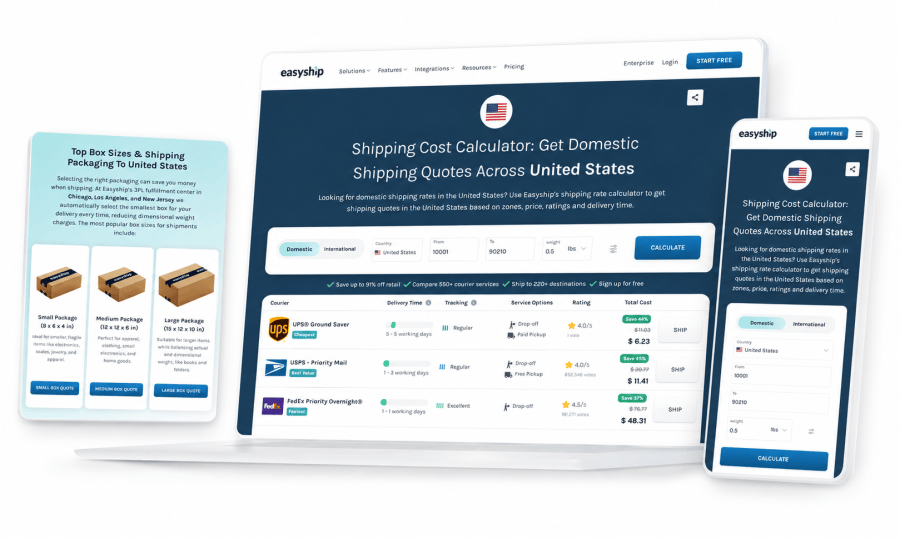
01 Global logistics
Rate, tax and duty calculators, server-rendered courier pages and a custom MongoDB CMS.
 02
02 Travel
A multilingual website connected to the booking API, with deposits, coupons and affiliate tracking.
 03
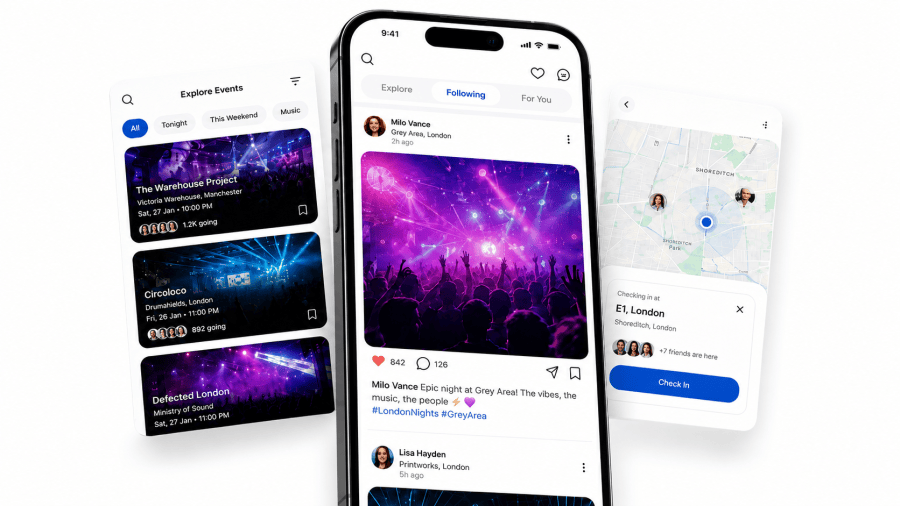
03 Social events
Mobile app, backend, advertising tools, a digital marketplace and website.
The same senior team stays close to scope, architecture, build, launch and what comes next.
We agree the outcome, users, integrations, budget and main technical risks before the work starts.
We plan the data, interfaces and failure modes around the way the system needs to operate.
You receive source access, a working environment and regular demonstrations throughout delivery.
We launch, document and monitor the work, then hand it over or continue as your engineering team.
Explore other performance & search services.
 Clutch★★★★★5.0 / 5.0
Across 18 independently published client reviews
“They have a deeper technical knowledge than any web designer I've met to date.”
Caching helps once the underlying site is sound, but it hides slow queries and bloated pages rather than fixing them. We fix the causes first, then cache — otherwise you're just caching a slow page.
Usually not. Most WordPress sites can pass Core Web Vitals on a well-configured LiteSpeed or LEMP stack. Headless is worth it when the front-end genuinely warrants it, not as a prerequisite for speed.
Field-data Core Web Vitals from CrUX and Search Console, plus lab profiling and TTFB and LCP numbers, before and after. We report the measurements, not a single score.
Book a 30-minute call with the senior team that will scope and lead the work.